Background
When I traveled to Hong Kong in March 2024, I took the opportunity to open a few debit cards at Hong Kong banks. I hadn’t done much research — I just looked up the basic requirements, prepared some documents, and smoothly completed account opening at HSBC Hong Kong, Bank of China (Hong Kong), and ZABank. All three cards are now in regular use. I originally thought this low-barrier errand wasn’t worth writing down, until I learned that a friend had paid an agent several thousand RMB to handle the same bank cards. It struck me that there’s always someone making money from what you don’t know — what I take for granted is exactly how others make a fortune.
This post covers opening an account in person at HSBC, and opening Bank of China (Hong Kong) and ZABank online. The whole process for all three cards is expected to take about 4 hours.
What’s Covered
This post explains how mainland Chinese residents can open Hong Kong bank cards, covering the following:
- Process overview
- Comparison of Hong Kong banks
- Documents to prepare
- In-person account opening
- Online account opening
- Card activation
This post does not cover the Hong Kong bank cards themselves, such as:
- What Hong Kong bank cards are good for (the benefits)
- Things to watch out for when using them (how to move money in and out)
- How to open Hong Kong wealth-management or brokerage accounts
- How to open Hong Kong / US stock trading accounts
If you’re interested in these topics, please look them up on your own, or stay tuned — I’ll put together notes on them later.
Process Overview
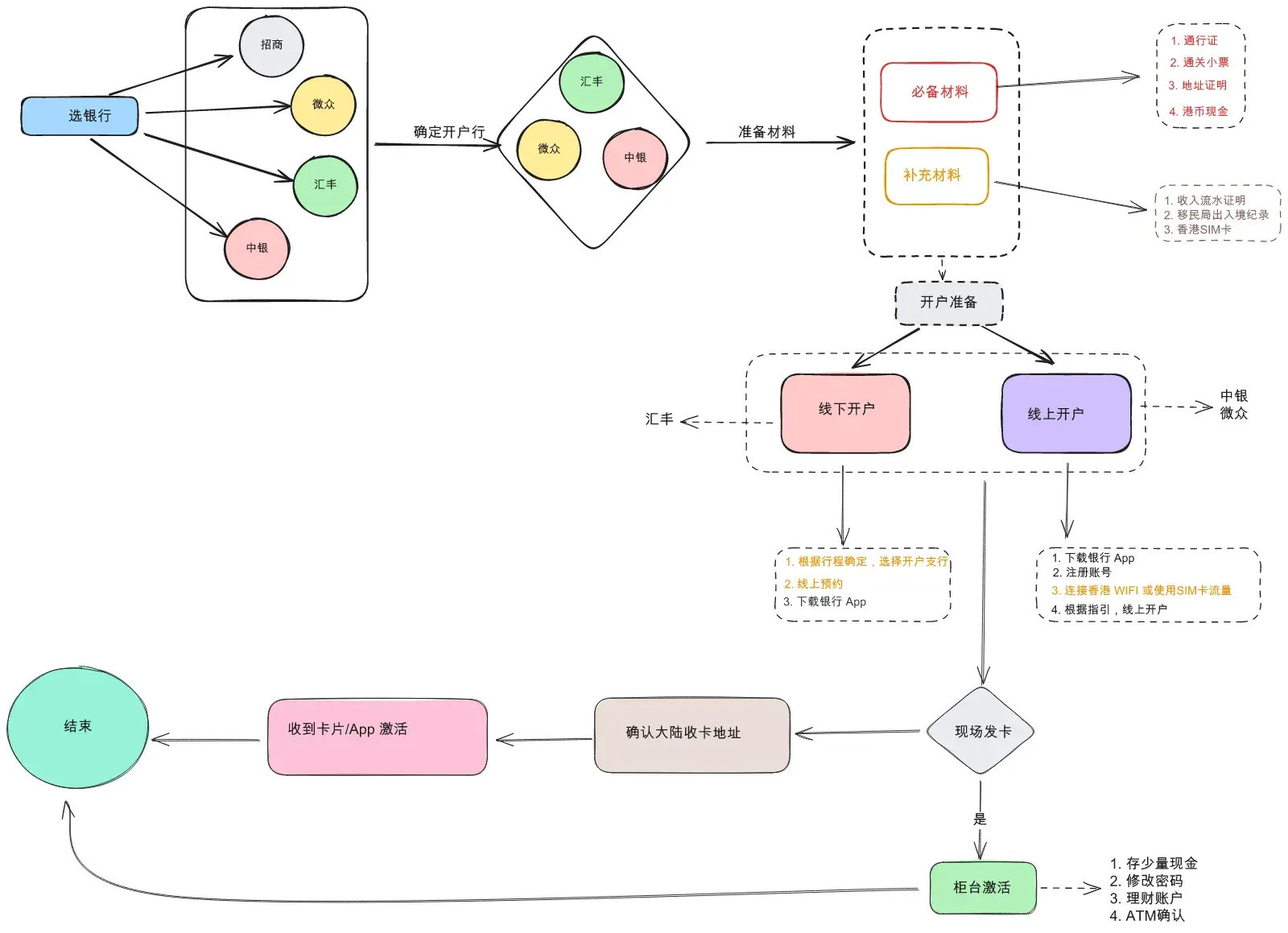
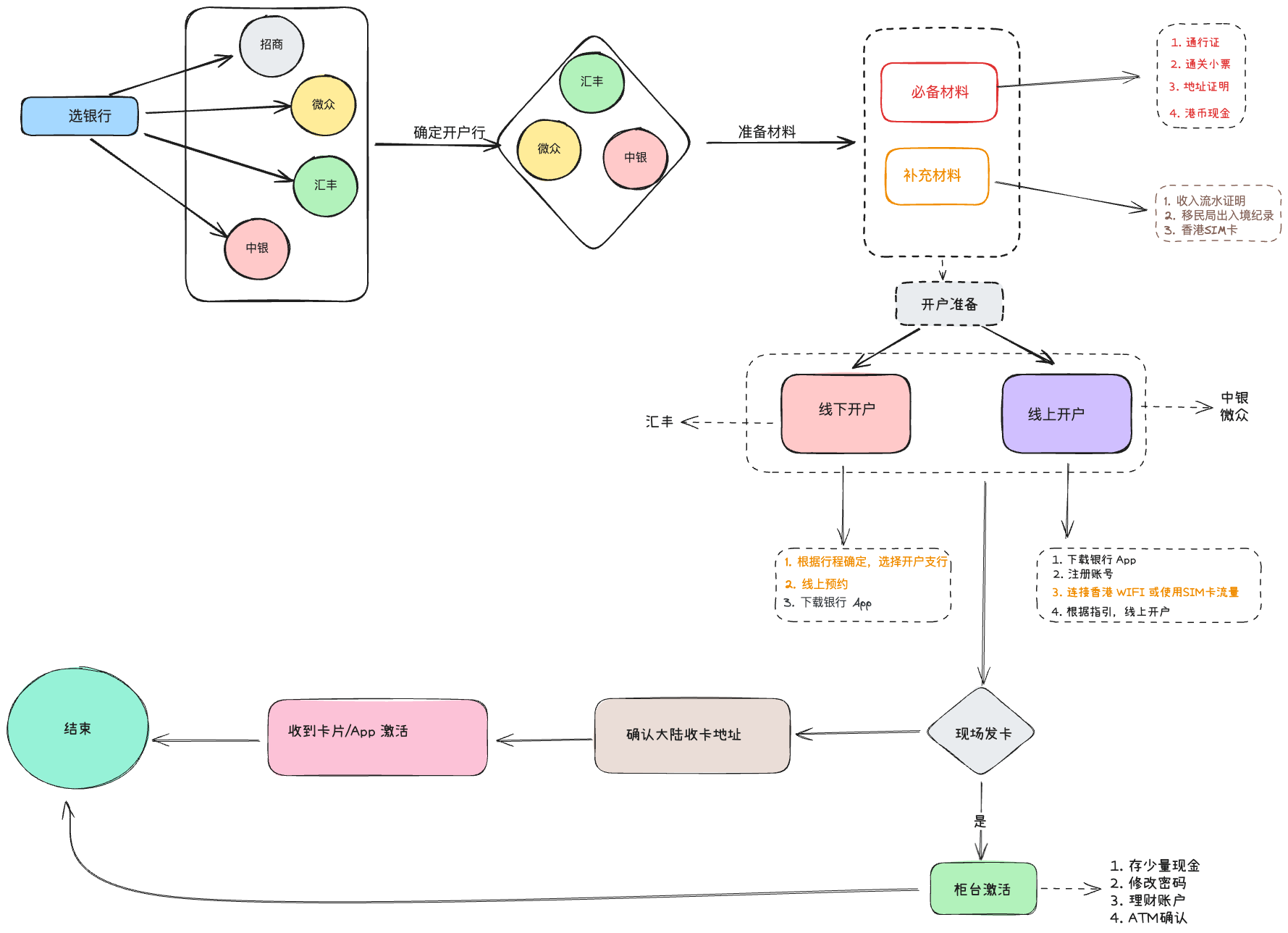
The key steps in the whole process are:
- Decide on the bank and branch. Requirements vary slightly between banks, and branches differ in how busy they are. At downtown branches, without an online appointment it’s hard to get a service number as a walk-in.
- Prepare documents. The required documents are mandatory at every bank, whether you apply online or in person; supplementary documents vary slightly by bank.
- Activation. If the card is issued on the spot for an in-person application, you can activate it right at the branch. Online applications typically take 3–5 business days for review; once approved, you can activate the card in the app.
Comparing the Banks
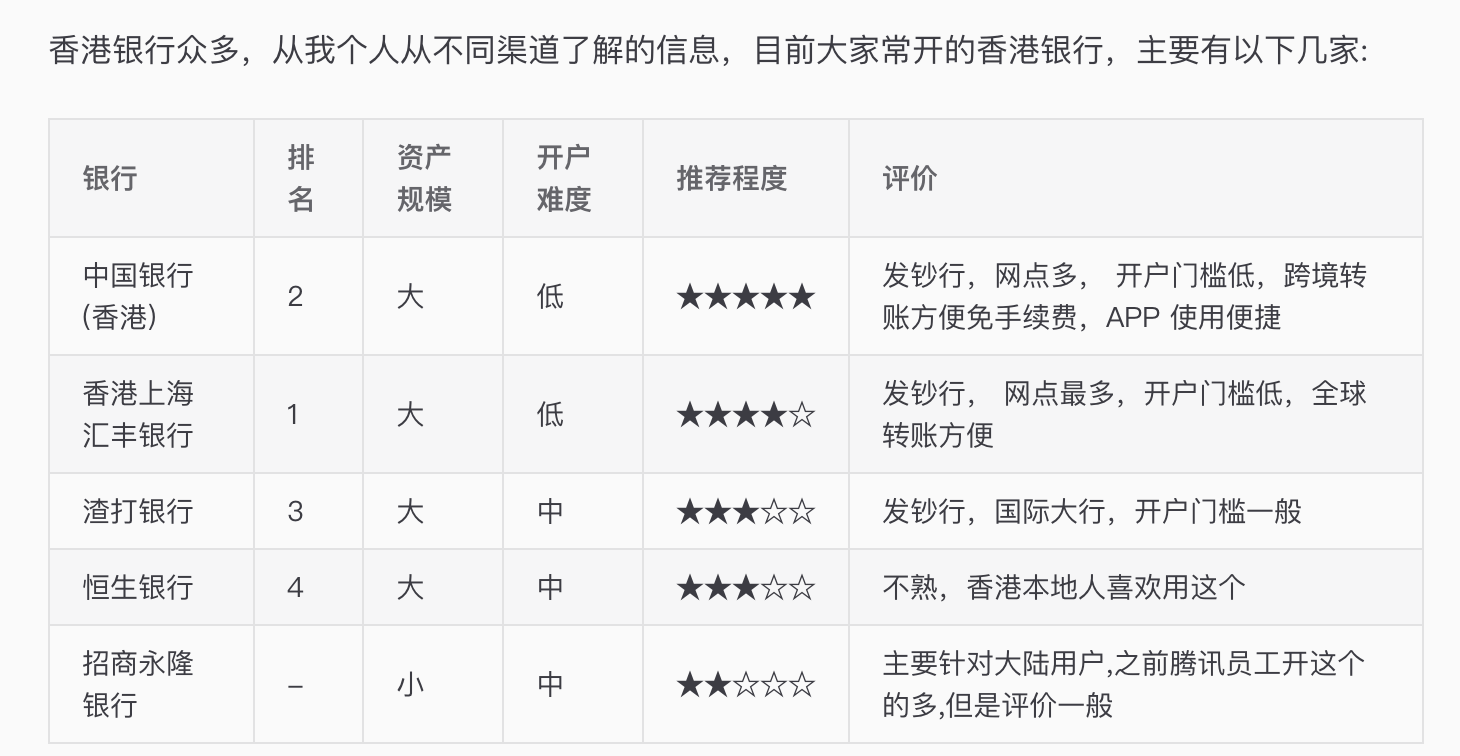
Mainlanders basically pick one or a few of these. Which one depends on your use case and preference — in my experience they don’t differ that much.
Documents to Prepare
Prepare as thoroughly as you can, just in case. Several of the documents I prepared went unused, but better safe than sorry.
Required Documents
-
Mainland ID card
-
Exit-Entry Permit for Travelling to and from Hong Kong and Macau (港澳通行证)
-
Immigration entry slip: it’s tiny and easy to lose, so keep it safe after crossing the border
-
Proof of address: there are several ways to get one,
- Utility bills (water, electricity, gas) for your home — electronic bills are fine, but they must be ones you paid yourself.
- Electronic statements from a mainland credit card. With China Merchants Bank (CMB) you can use the 掌上生活 (Palm Life) app to export a statement, which shows your address as proof. But before exporting, check the mailing address registered on your CMB credit card — if it’s not your current home address, update it first and then use “Resend Statement” (补寄账单).
-
Cash in HKD: needed to activate the card opened in person
Supplementary Documents
These are not mandatory; requirements differ slightly by bank, but it’s best to have them ready.
-
Salary/income statements: you can export them from your bank’s app.
-
A stock-trading app: if you say you want to buy Hong Kong stocks when opening the account, they’ll ask to see this. I’ll explain the talking points in detail later.
-
Download the relevant apps in advance: HSBC’s app – HSBC HK; Bank of China (Hong Kong)‘s apps – BOCHK 中银香港 and BoC Pay. You’ll need them when filling in the forms.
Opening an HSBC Account in Person
The focus here is the in-person process at HSBC Hong Kong. My original plan was to open a Bank of China (Hong Kong) account first, but when I got to the branch I’d found online, it turned out the one near my hotel was under renovation. So I found an HSBC branch nearby instead.
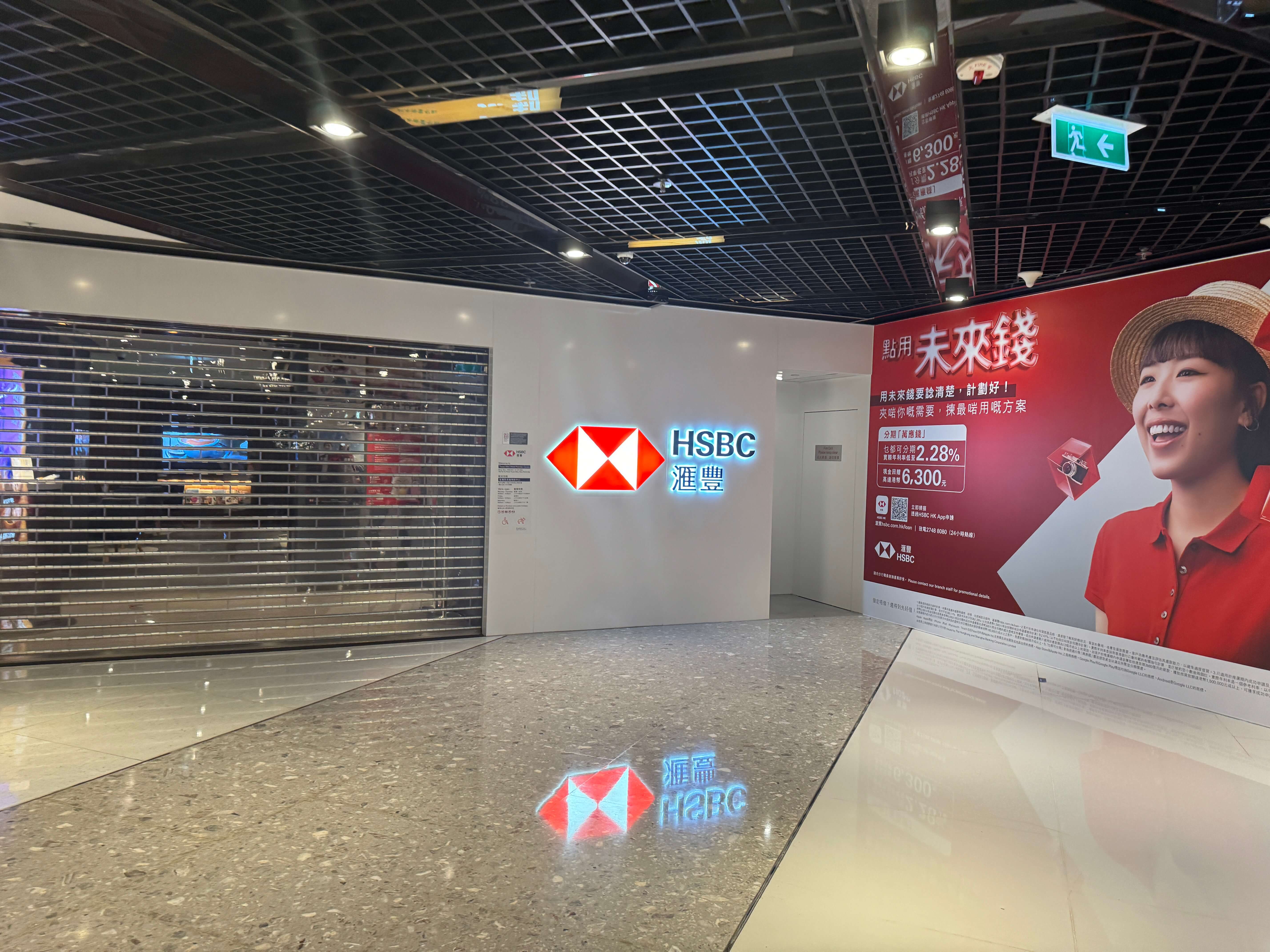
Location: Tsuen Wan West Branch, 1F Op Mall (海之恋商场)
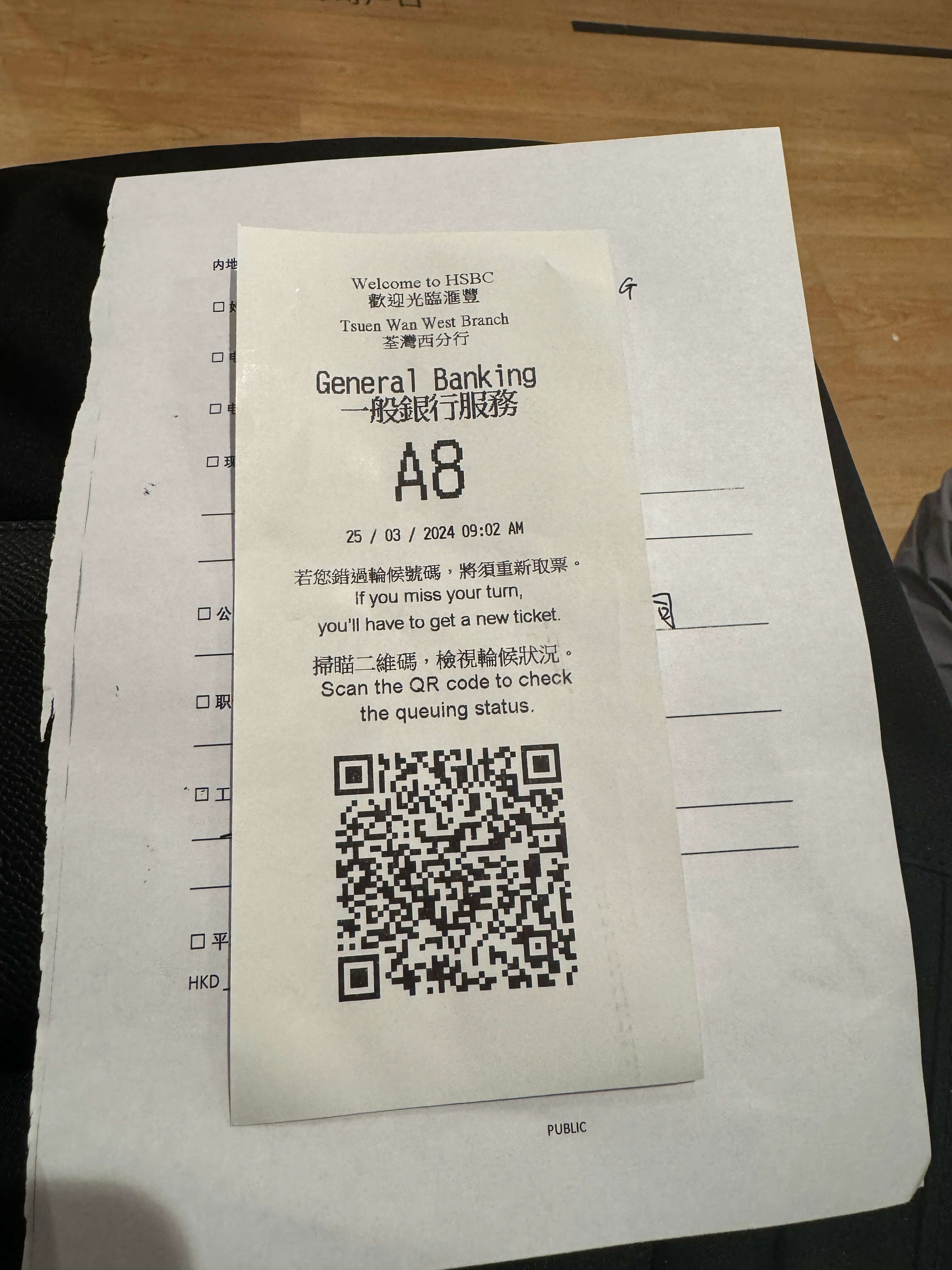
- Take a queue number: The bank opens at 9:00 a.m. On arrival, state that you want to open an account and take a number to wait.
- Fill in the forms ahead of time: While waiting, fill out a paper account-opening application form.
- Reception and document check: When your number is called, a staff member receives you and checks your ID card, Hong Kong/Macau permit, proof of address, and other documents.
- Purpose of the account: The staff will ask why you’re opening the account — just say you want to buy Hong Kong stocks. They may also ask whether you have investment experience, and whether you’ve bought stocks or funds on the mainland. Occasionally they’ll ask to see your mainland brokerage account to confirm your investment experience.
- Basic information: Provide your home address, employer, and income. If you’re the legal representative of a company, they’ll also confirm the company’s details.
- Receive the card: After the forms were done, I received my card on the spot. The staff handed over the physical card and explained the usage notes. I’ve read online that some branches don’t issue cards on the spot — in that case you activate it yourself once it arrives.
- Activate the card: With the card in hand, deposit at least HKD 1,000 at an ATM to activate it.
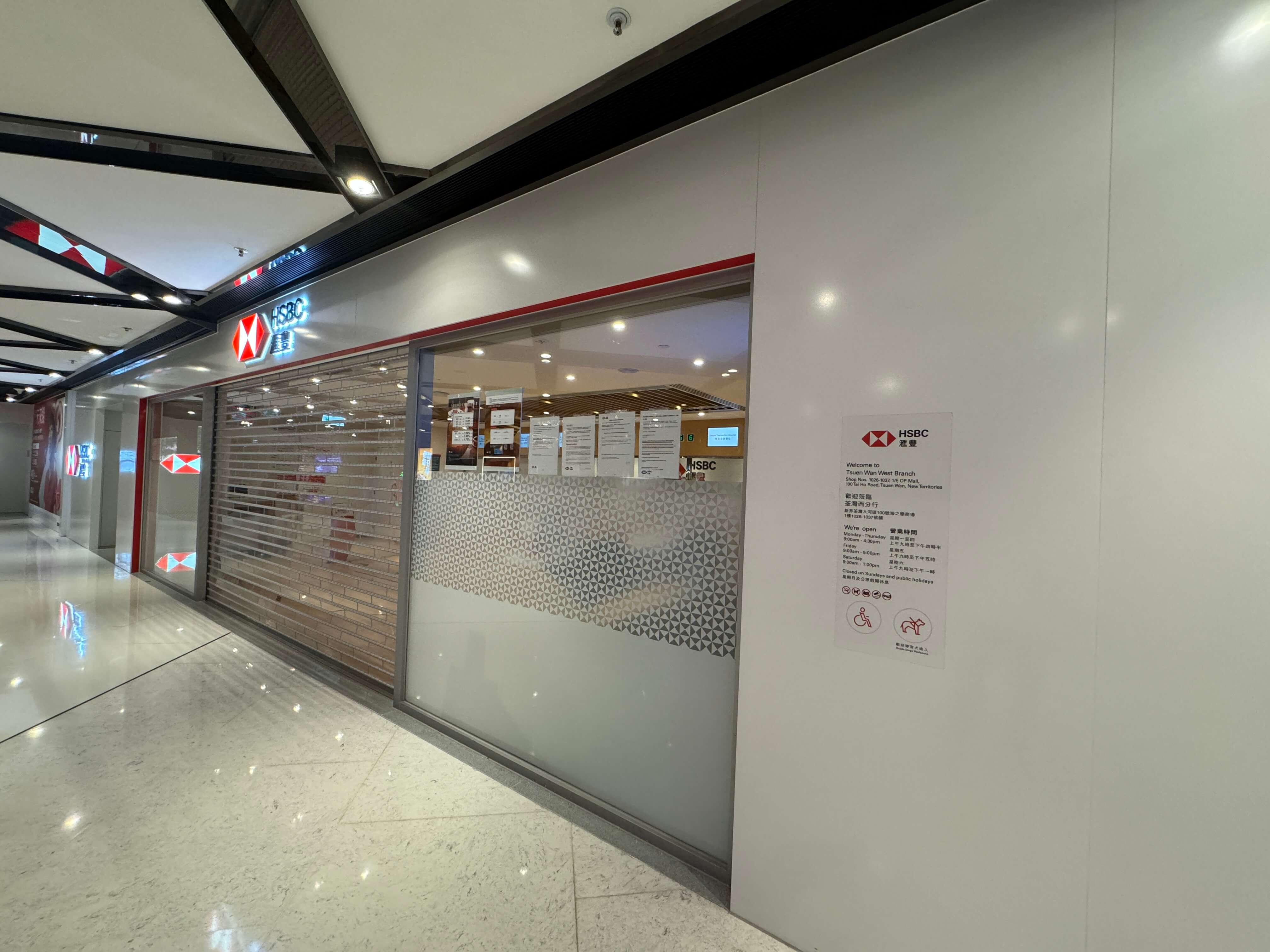
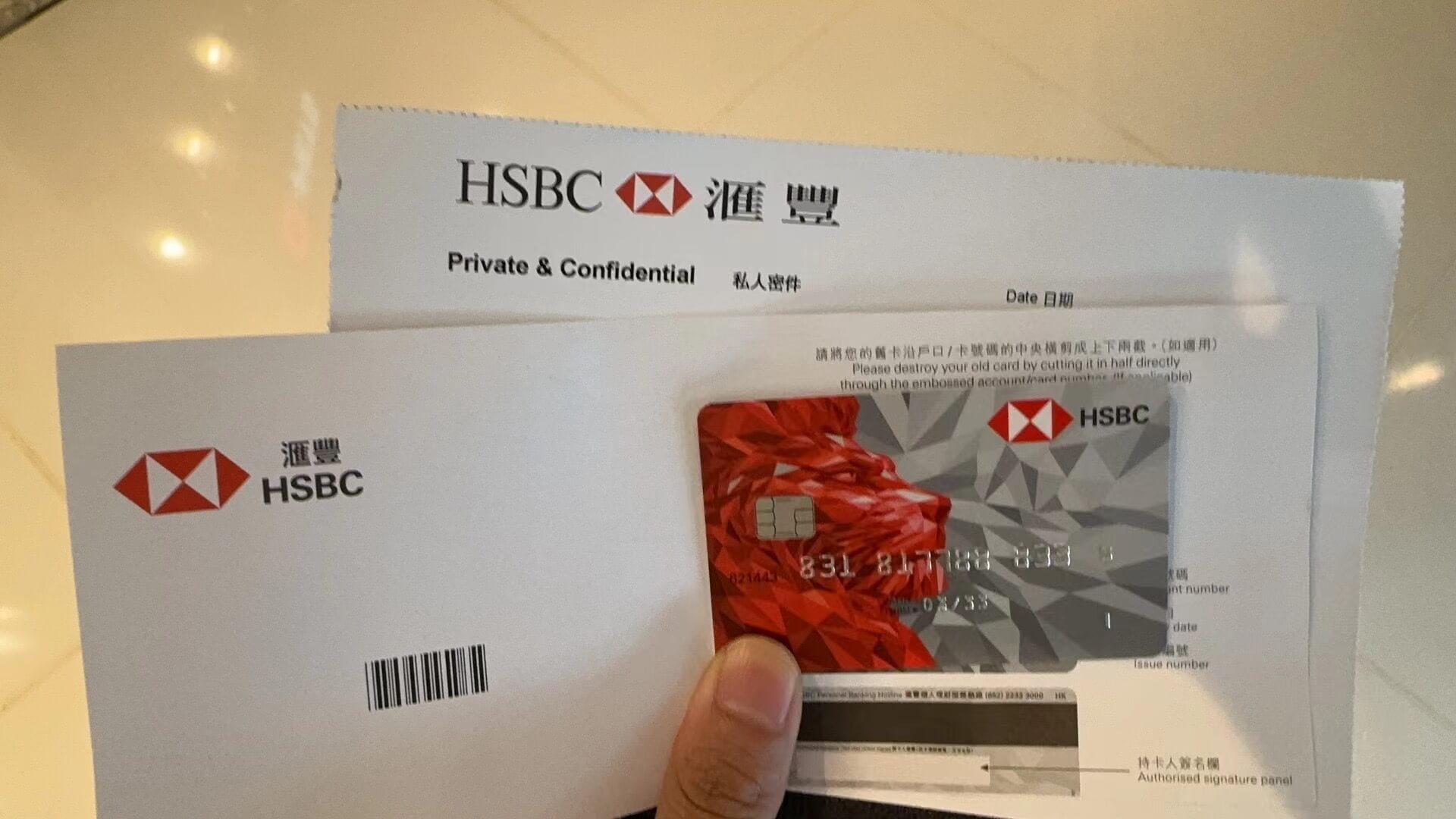
The whole process went very smoothly. The staff helped me pre-deposit some HKD and USD into the account. There’s an ATM right next door where you can change your PIN and re-confirm activation.
Opening a Bank of China (Hong Kong) Account Online
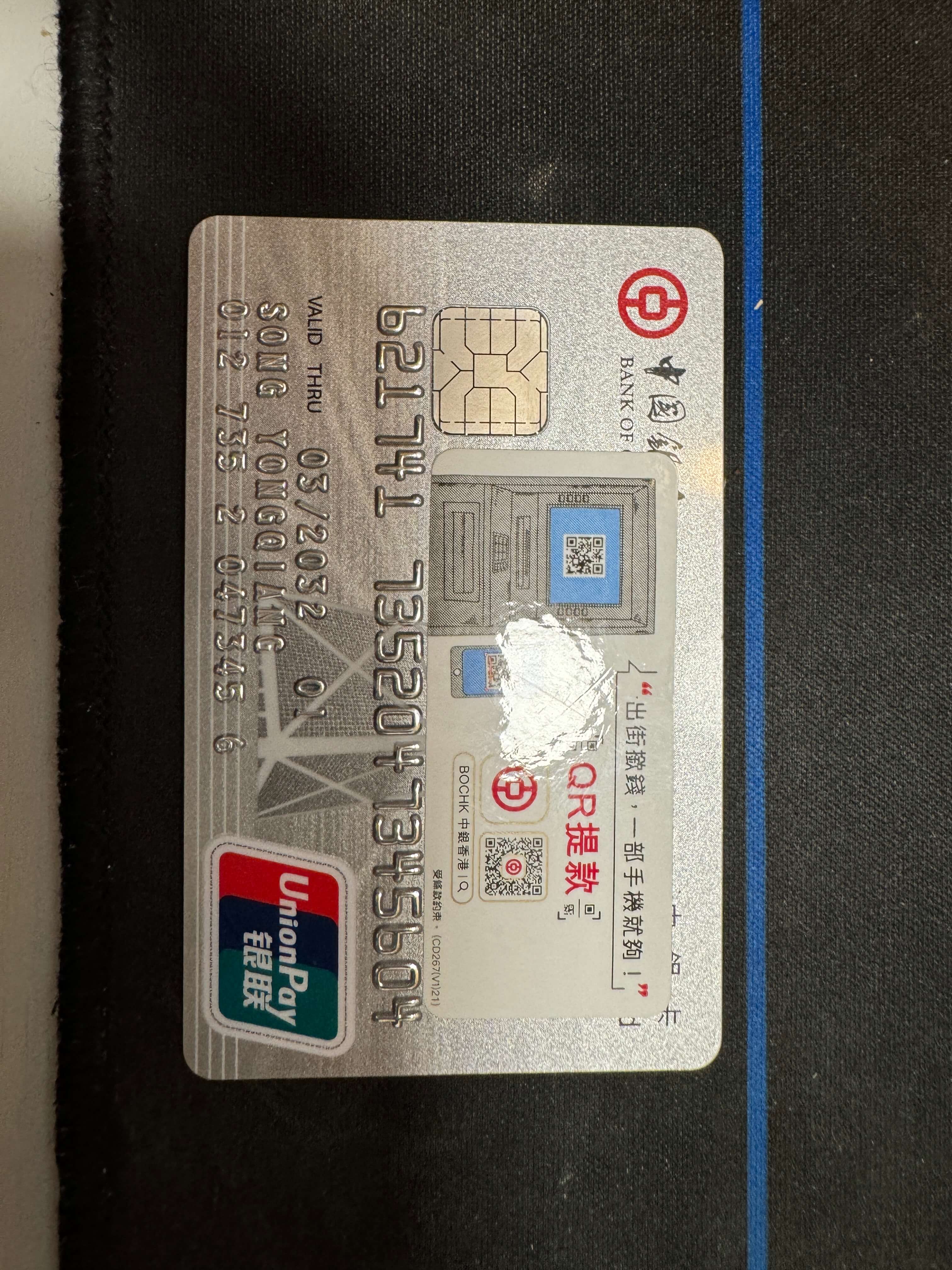
I opened my BOCHK card on the way back to the hotel, after seeing someone online mention that online applications had become available (March 25, 2024). Figuring I’d give it a try, I applied in the BOCHK app. Following the guided flow and connecting to local Hong Kong Wi-Fi, the application took about half an hour. One of the required documents is your immigration entry/exit record, which you can download from the National Immigration Administration’s WeChat mini program. After completing the online application, the physical card is mailed to the address you filled in — remember to check your mailbox. It usually arrives in about two weeks.
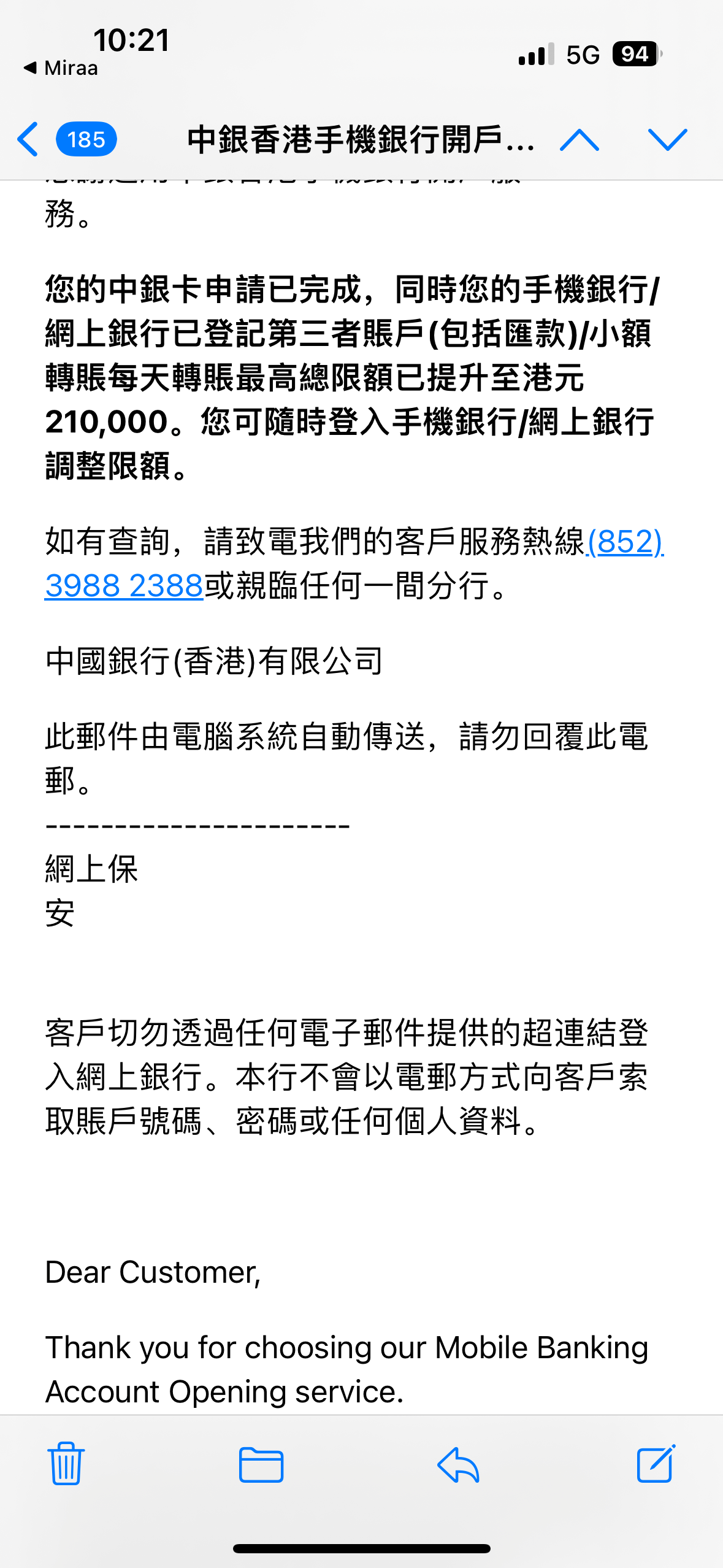
Once done, you’ll receive a confirmation email. After that, just wait quietly for approval, then activate the card online and it’s ready to use.
ZABank
ZABank’s app is designed more in line with mainland users’ habits, and the online application flow is smoother. I barely hit any snags — just follow the steps one by one and you’re done. ZABank is a virtual bank, but you can still apply for a physical card. If you only spend online, manage your money, and link Apple Pay or Alipay, that’s enough — you rarely need the physical card.
Overall, the whole process went fairly smoothly. As for how to open Hong Kong / US stock brokerage accounts after getting the bank cards, I’ll share that when I have time. Hong Kong bank accounts with USD and HKD can receive money from overseas. But that income still counts toward your personal income, and overseas acquiring institutions have fairly strict risk controls on Hong Kong banks — so it’s not advisable to use a personal bank card directly as a payment-collection account.
Follow the WeChat official account Tech Backyard for more.