Export the NetEase Cloud Music playlist
- Get the playlist id or playlist URL
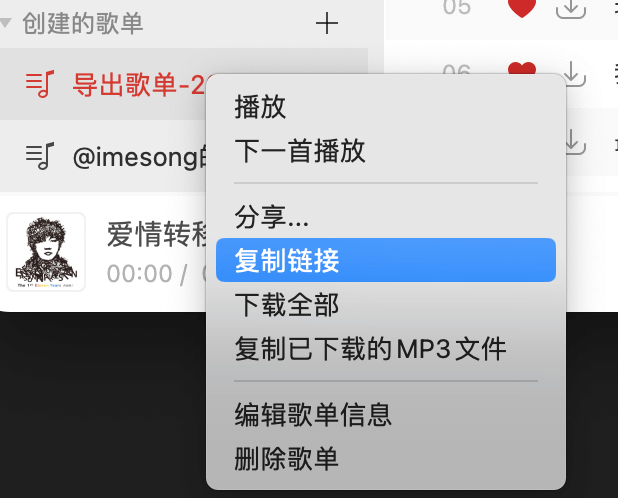
Get the playlist id/url
For example, my playlist URL looks like this; the highlighted part is the playlist id
https://music.163.com/playlist?id=8698386250&userid=44179060
- Open https://yyrcd.com/2018/11/14/n2s-zh/, and enter the playlist id or playlist URL
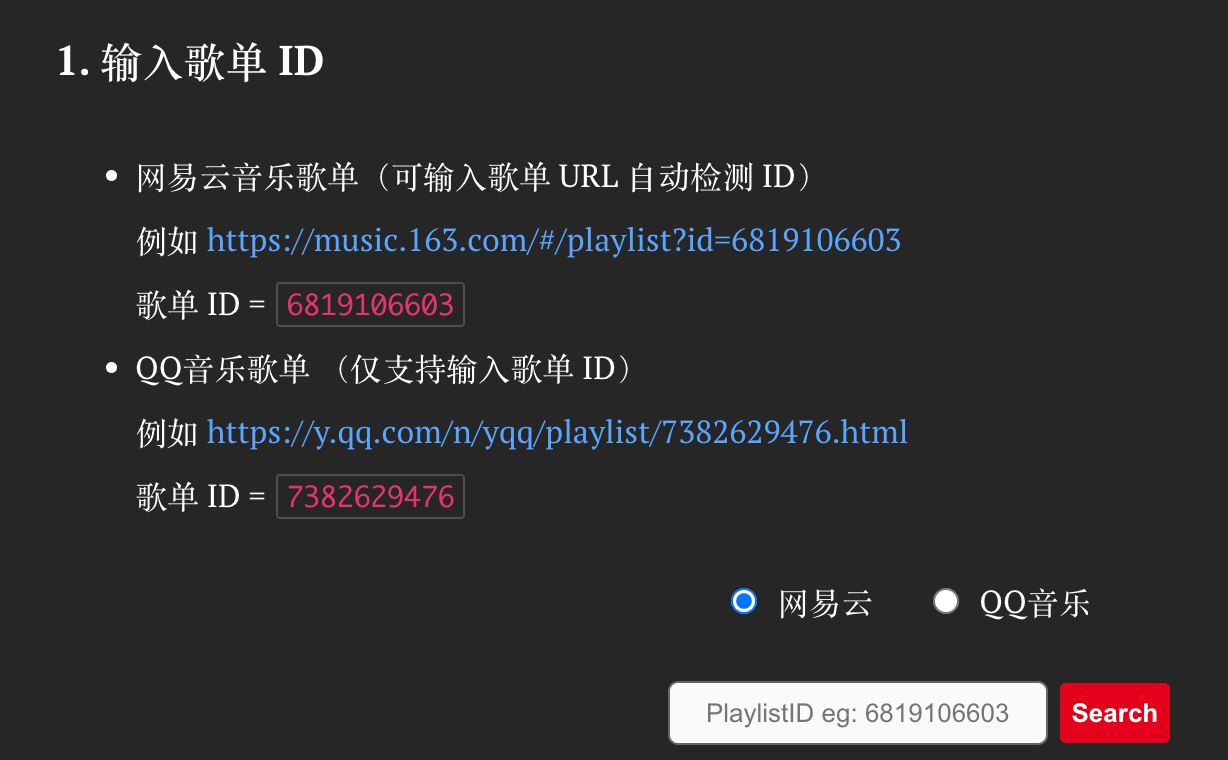
Playlist example
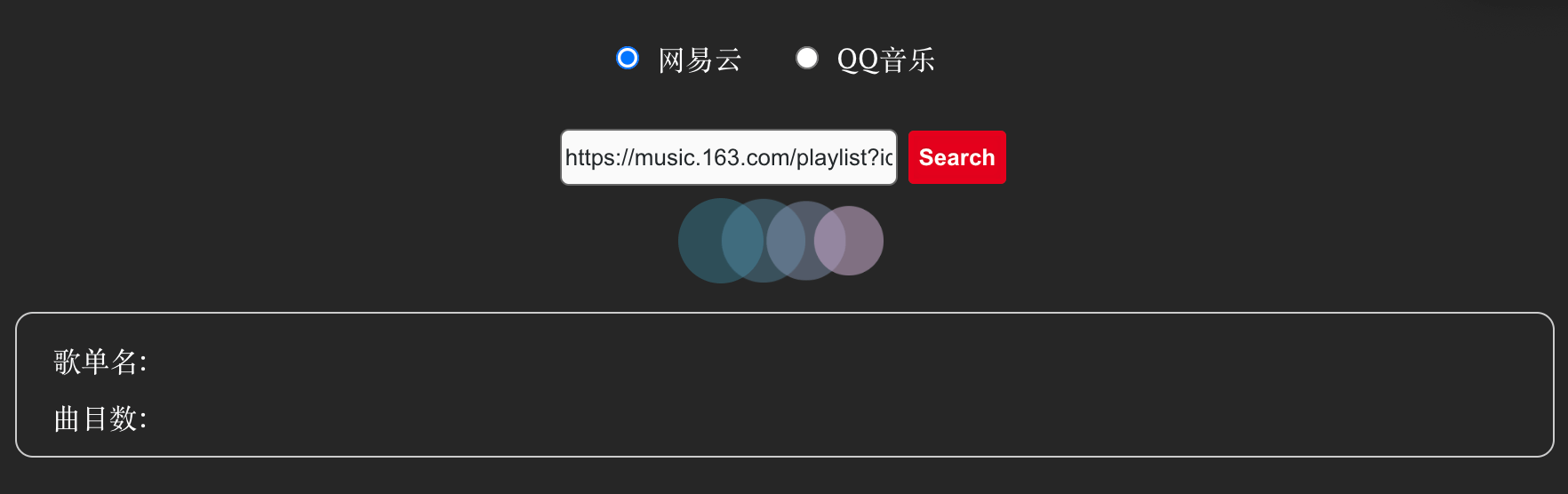
Enter the playlist ID/URL
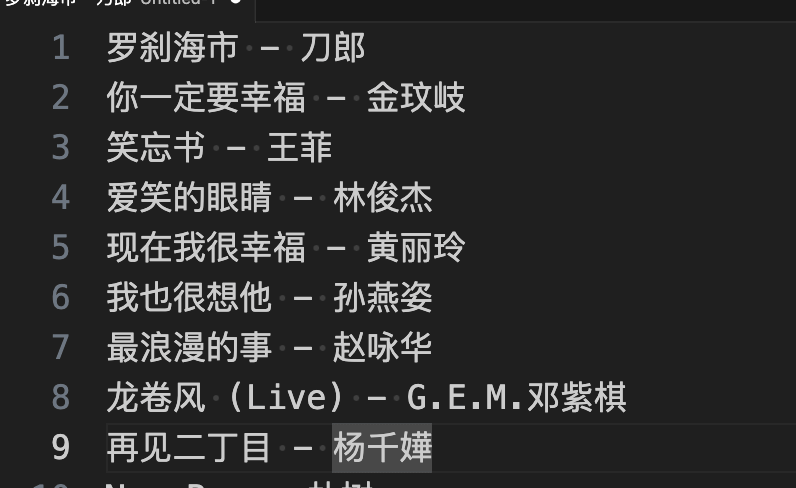
- Copy the exported playlist text
The exported playlist text looks like this: song name - artist
Import into Apple Music with TurnMyMusic
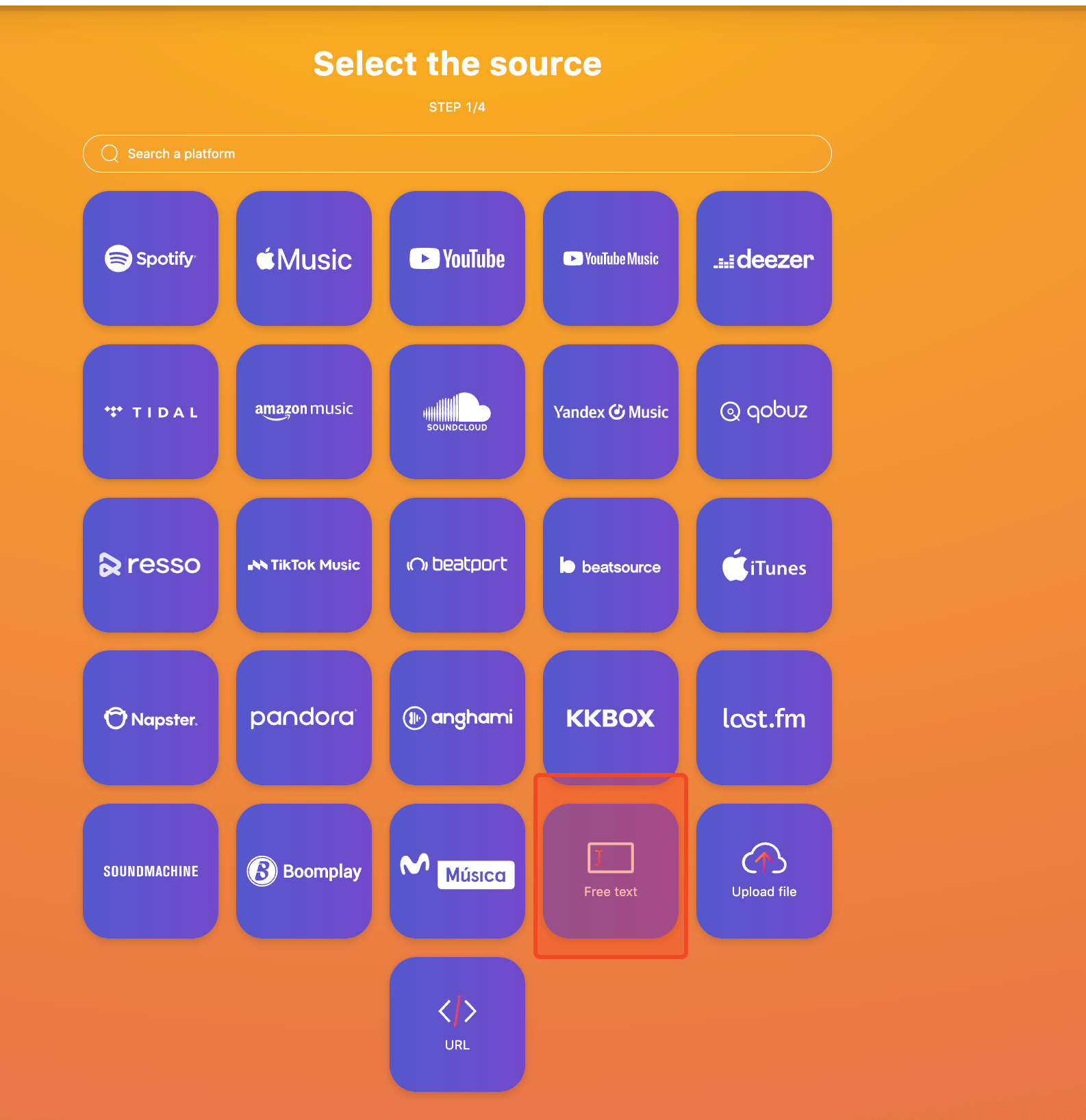
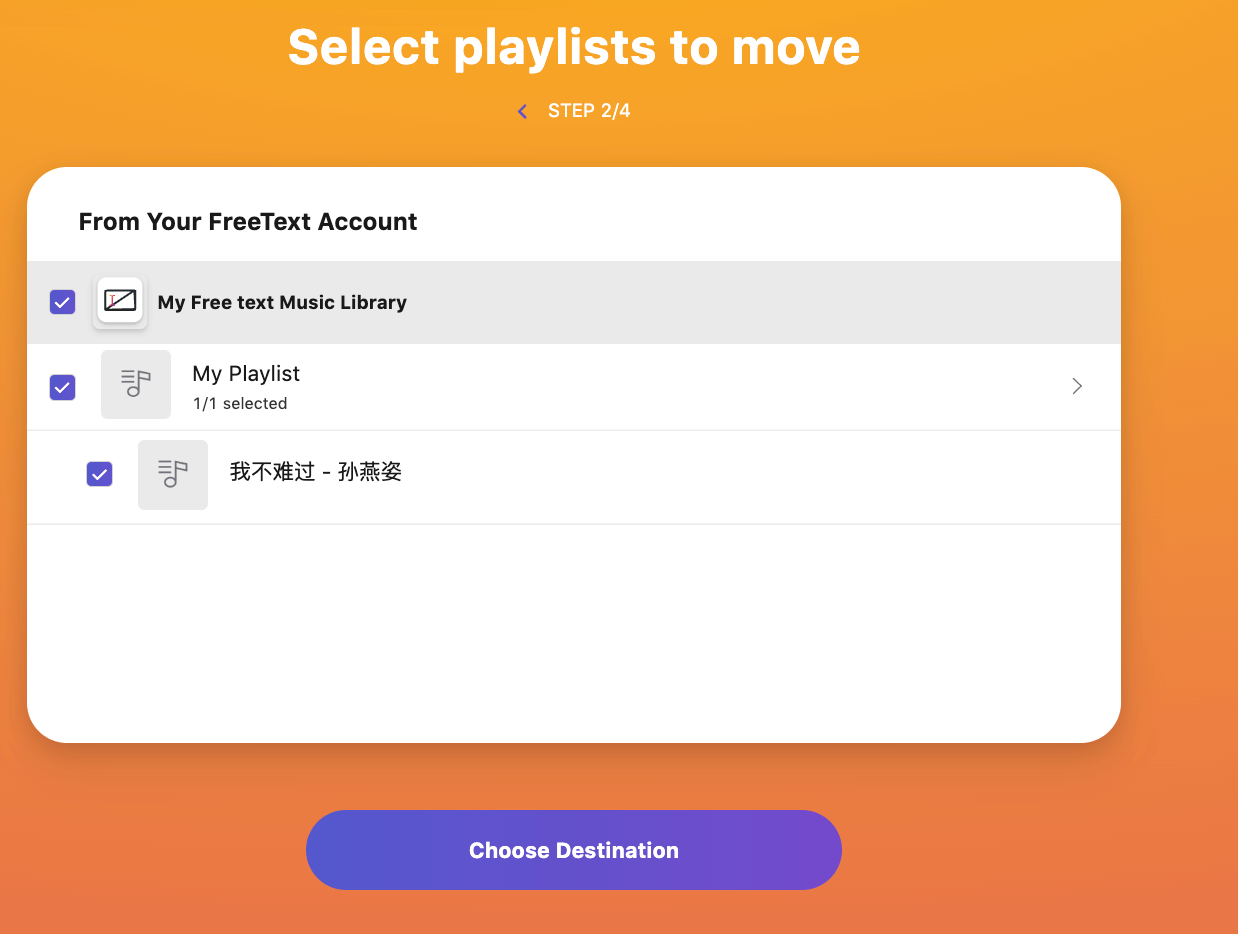
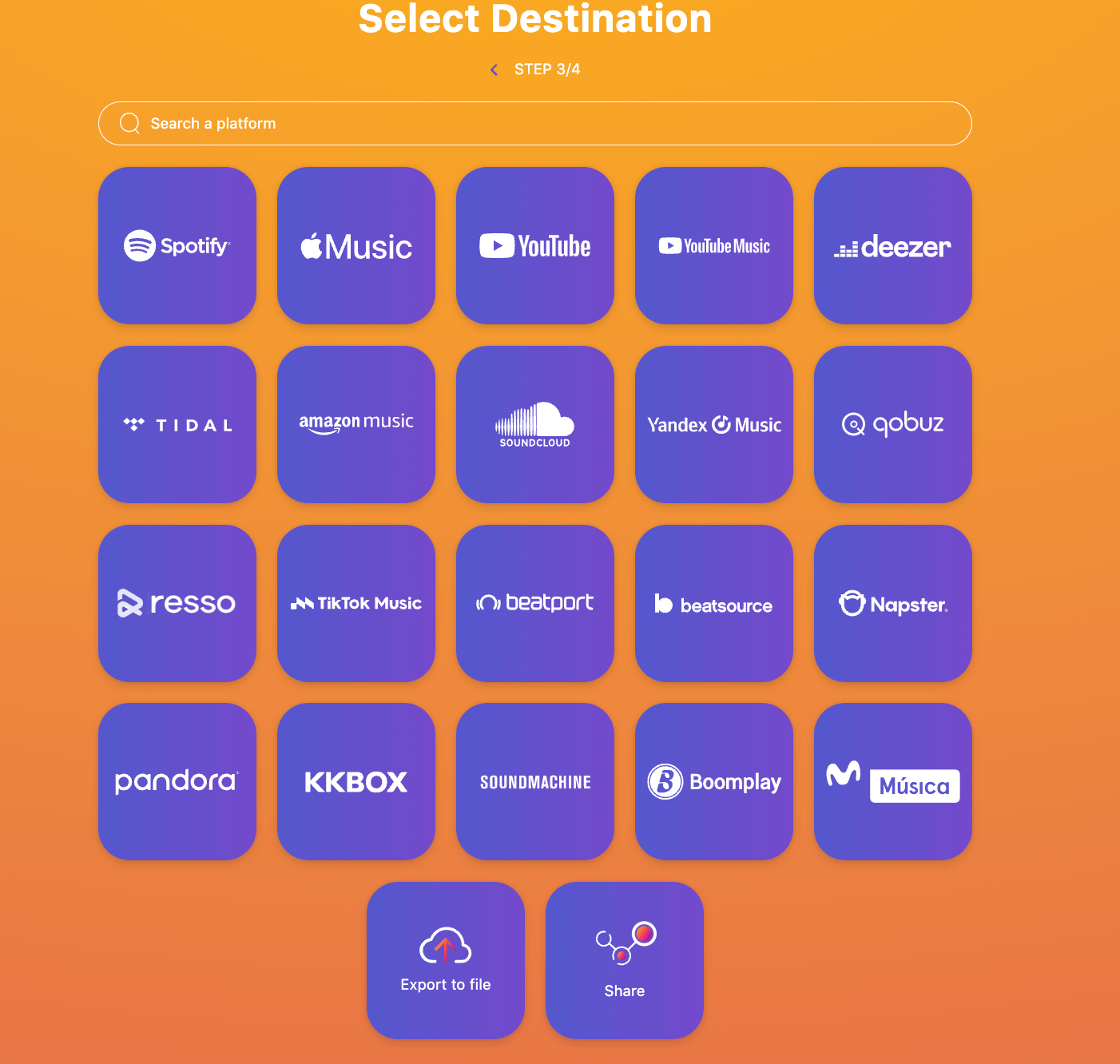
Importing a playlist with TurnMyMusic takes 4 steps.
- Choose the import source
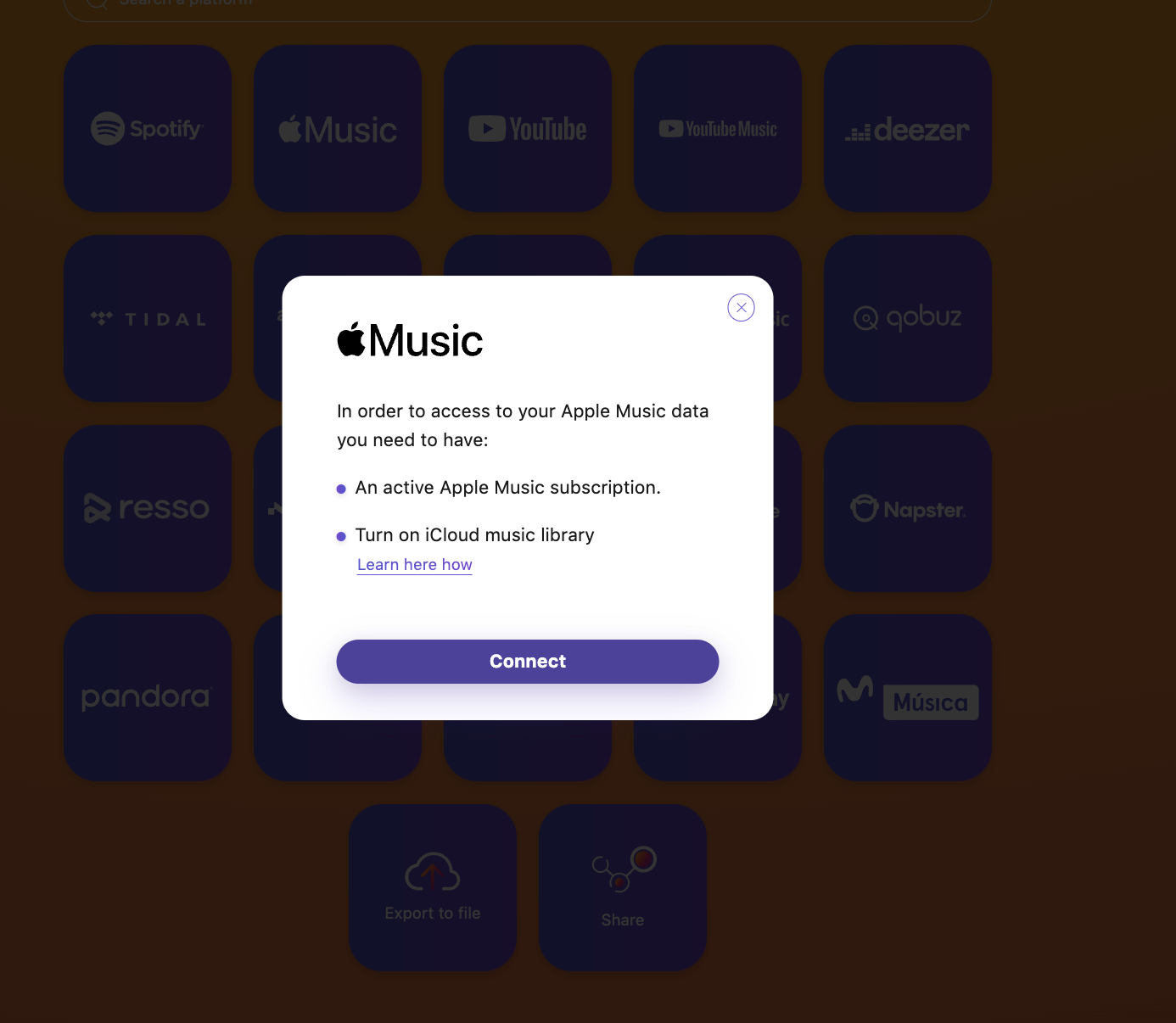
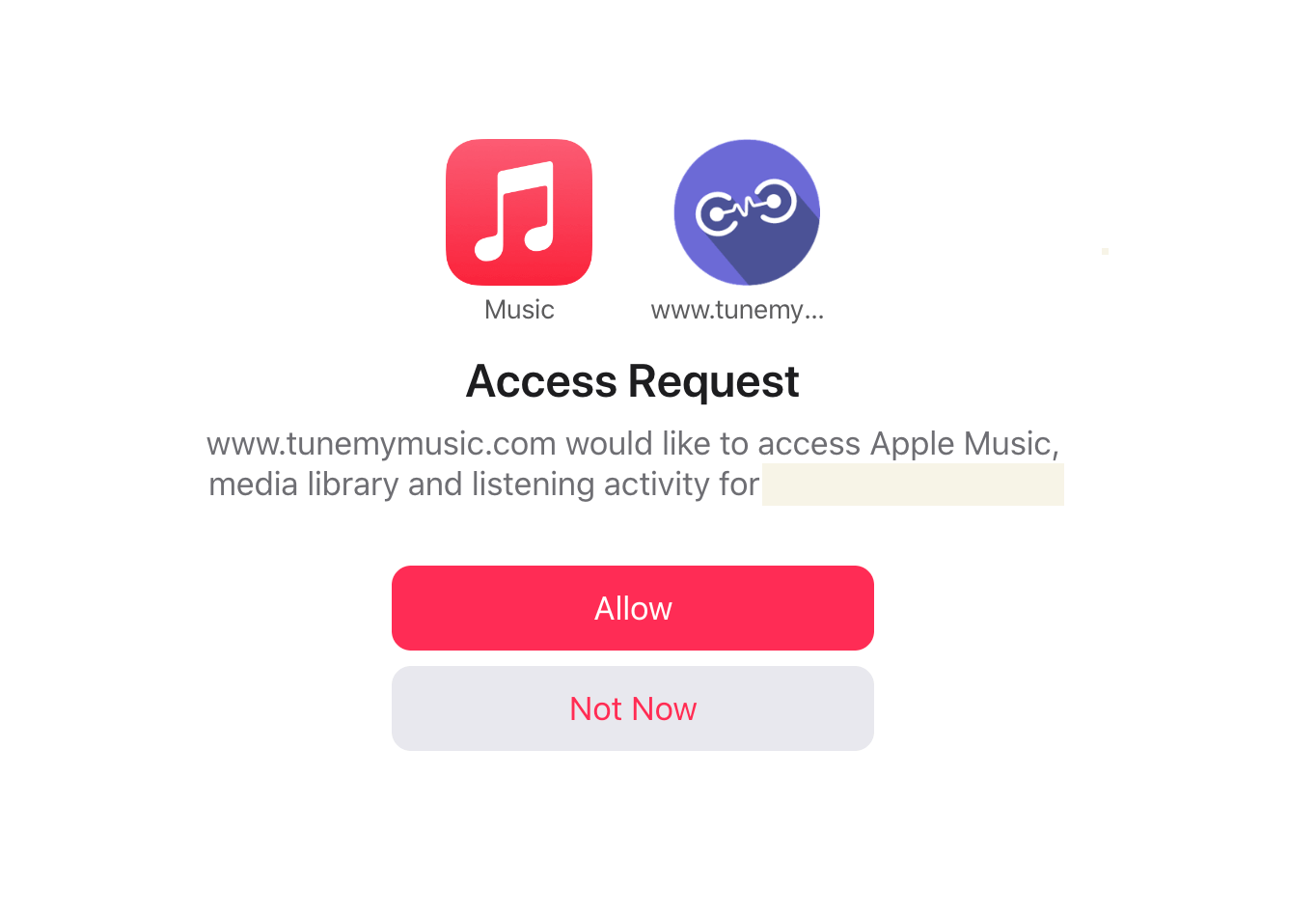
- Complete the Apple Music authorization
- Start the import
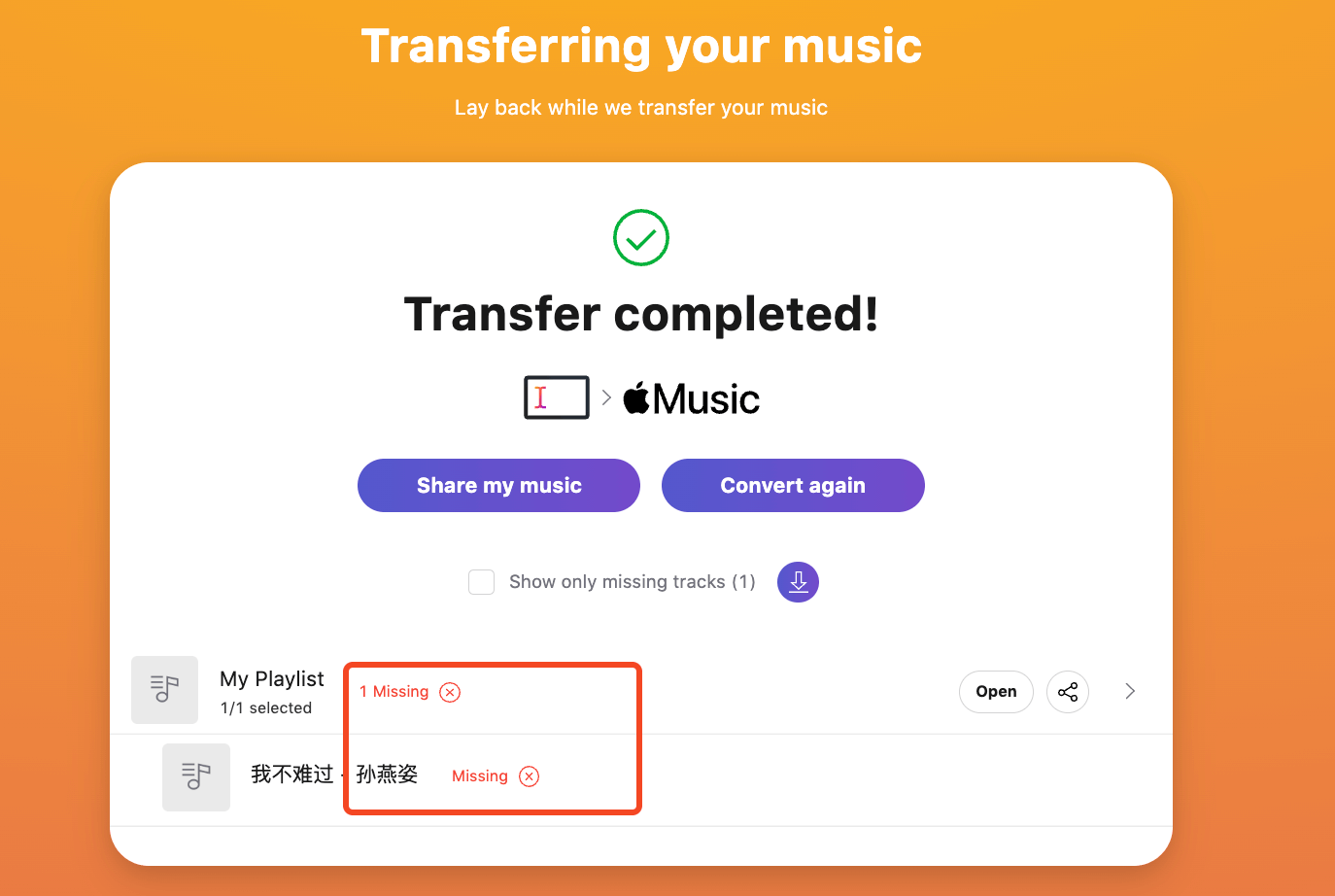
- Done
When importing into Apple Music, some songs may be missing or fail to import.
Follow the WeChat official account Tech Backyard for more information